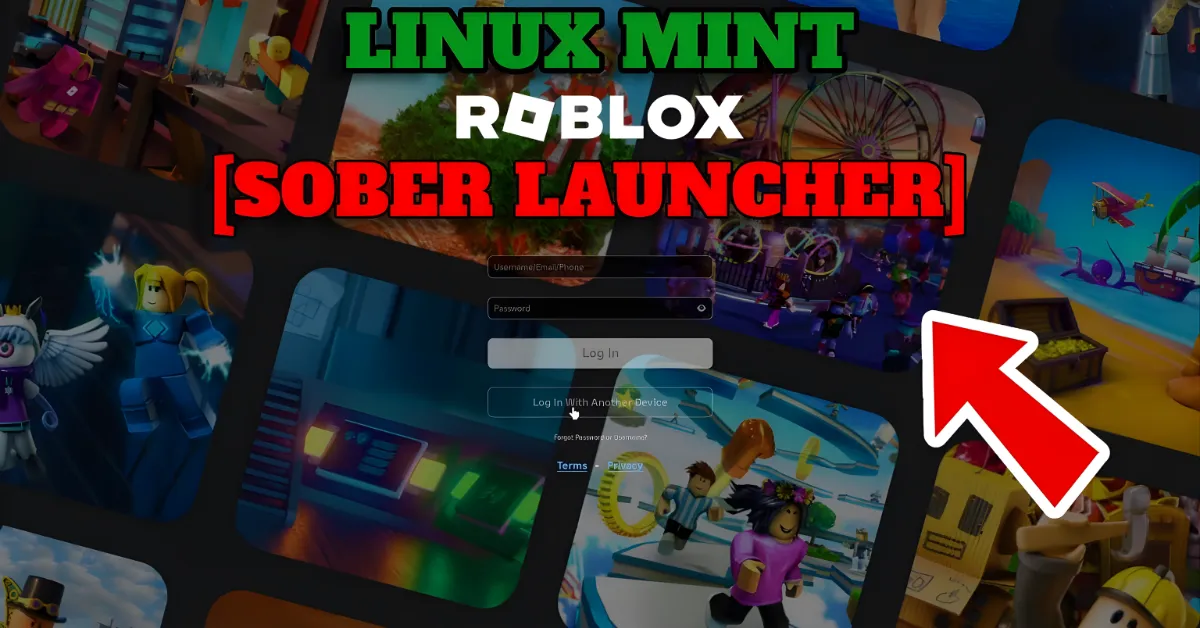
Linux users have waited years for a simple way to enjoy Roblox without headaches. Now, sober roblox changes everything. This tool brings Roblox to your Linux desktop with speed and ease that often beats the Windows version. Searches for Sober Roblox Linux, Sober roblox download, Sober roblox apk, Sober Roblox Arch, Is Sober Roblox safe, Sober Roblox Studio, and Sober Roblox GitHub show huge interest from the community. In this guide, we cover what Sober is, how it works, and why it stands out as the top choice for Linux gamers in 2026.
What Makes Sober Roblox Stand Out?
Sober is a community-made runtime created by the Vinegar team. It lets you run Roblox experiences directly on Linux without emulators, virtual machines, or Wine. The project uses the Android version of Roblox, which Roblox now builds for x86-64 architecture. Sober creates a special environment that bridges Android and Linux, giving near-native performance.
Many players report faster frame rates and smoother gameplay compared to Windows. Sober blocks ads and telemetry by default for a cleaner experience. It supports most PC features, so you can play millions of games, chat with friends, and explore freely. The project remains experimental and unofficial—Roblox does not support it and could block it anytime. Still, thousands use it daily without major issues.
Developers keep it closed-source to prevent abuse that might lead to blocks. The Sober Roblox GitHub page acts as the main spot for bug reports and suggestions, while the official site sober.vinegarhq.org has downloads and docs.
यह भी पढ़े :
Is Sober Roblox Safe to Use?
Safety comes up often with Is Sober Roblox safe. Sober itself is community-built and open about its risks. It follows Roblox rules by not modifying core code or enabling cheats. Many users run it on main accounts for months without bans. Roblox has not targeted Sober users for moderation so far, though it remains unofficial research software.
The biggest risks come from where you get files. Always download Sober from official sources like Flathub or the Vinegar site. For the required Roblox APK, use trusted mirrors like APKMirror to avoid tampered files. Never share login details or use shady generators. Sober disables telemetry, which adds privacy. Overall, it appears safer than older Wine methods that got blocked.
How to Download and Install Sober Roblox on Linux
Installation is straightforward, especially on distributions like Ubuntu, Fedora, or Sober Roblox Arch. Sober comes as a Flatpak package, making it easy across most distros.
Here are the main installation methods:
| Method | Steps | Best For | Notes |
|---|---|---|---|
| Automatic (Recommended) | 1. Install Flatpak if needed 2. Run: flatpak install –user https://sober.vinegarhq.org/sober.flatpakref 3. Launch Sober and follow prompts to install Roblox | Beginners, most users | Handles APK download automatically |
| Manual APK | 1. Install Flatpak version 2. Download matching Roblox APK (x86-64) from APKMirror 3. Select APK during first-run setup | Advanced users, specific versions | Use universal or split APKs carefully |
| Arch Linux AUR | Use yay or paru to install sober package from AUR | Arch users | Community-maintained, check for updates |
After setup, Sober appears in your app menu. On first launch, it installs Roblox if needed. Log in with your account and start playing. Updates come through Flatpak—run flatpak update to stay current.
Sober Roblox android questions often appear because it uses the Android APK, but Sober runs on desktop Linux, not phones. There is no official Sober Roblox apk for Android devices yet.
- Classic Sonic Simulator Roblox: A Complete Guide to Classic Speed, Codes, Obbies and Gameplay 2026?

- Ben 10 Super Hero Time Roblox: Explore Alien Powers, Codes, Gameplay and More?

- Super Mario Bros Roblox: A Fun Guide to Mario-Style Adventures, Codes, Obbies, and Avatars 2026?

- How To Get Free Robux in Roblox: Safe and Legit Ways to Earn Robux 2026?
- 99 Days & Nights Forest Survey Roblox: Explore the Story, Survival Gameplay and Forest Mystery 2026?

Does Sober Work with Roblox Studio?
Sober Roblox Studio support is limited. Sober focuses on the player client for experiences. Roblox Studio, the creation tool, works better through other methods like Wine or official Windows support. Some users run Studio separately, but expect potential glitches. Stick to the player side for the best results with Sober.
Tips for the Best Experience with Sober Roblox Linux
- Meet basic requirements: Modern CPU, decent GPU, and enough RAM (Roblox mobile specs apply).
- Join the Vinegar Discord for help with bugs or updates.
- Report issues on Sober Roblox GitHub to help improve it.
- Test performance—many see up to double the FPS versus Windows in some games.
- Backup your account and use caution, as it’s experimental.
Sober shines on laptops or desktops where you want native Linux gaming. It avoids the lag and setup pain of older tools.
Why Sober Represents the Future for Linux Roblox Players
Before Sober, Linux users relied on tricky workarounds that often broke. Now, sober roblox offers a clean, fast path to the full Roblox library. The community drives updates, fixes bugs quickly, and keeps it free. While risks exist with any unofficial tool, Sober delivers real value for those committed to Linux.
If you run Linux and love Roblox, give Sober a try from the official site. Download safely, set it up once, and enjoy smoother gameplay than ever. The era of complicated Roblox on Linux is fading—Sober makes it simple and exciting in 2026.